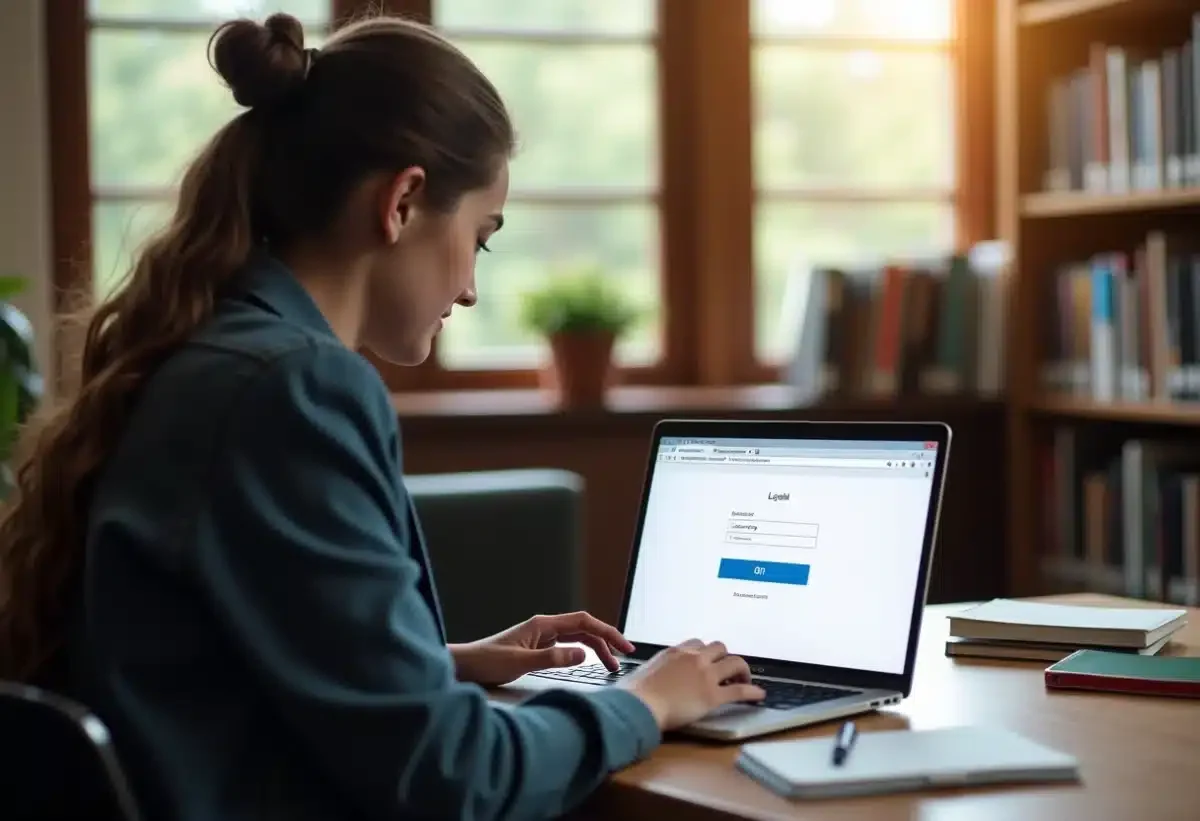
Accessing your academic messaging in Lorraine may seem complicated, but a few simple tips can greatly facilitate this task. The first step is to go to the National Education portal of the Lorraine region. Once on the site, just click on the ‘Online Services’ tab to access the login page.
Have your personal credentials provided by the institution ready. Enter your academic email address and your password in the appropriate fields. In case of issues, the technical support service is available to resolve common difficulties, ensuring quick and secure access to your emails.
Easy access to your academic messaging in Lorraine
To access your academic messaging in Lorraine, the process is simple but rigorous. Go to the Academy of Nancy-Metz portal. Once on the site, click on the ‘Online Services’ tab. You will be redirected to a dedicated page where you can enter your academic credentials.
Login Steps
- Go to the Academy of Nancy-Metz website.
- Click on ‘Online Services’.
- Enter your academic email address and your password.
The academic messaging, also known as webmel Nancy Metz, is an essential tool for academic staff. It provides an efficient and secure platform for managing professional emails, thus facilitating communication between colleagues and other stakeholders in the education system.
Using the Messaging
The messaging is used by over 16,000 staff members, including teachers, and manages nearly 390,000 students across 2,500 institutions. In case of loss or forgotten password, the technical support service is available to help reset the credentials.
The Academy of Nancy-Metz oversees education in the departments of Meurthe-et-Moselle, Meuse, Moselle, and Vosges. It is part of the Grand Est Academic Region with Reims and Strasbourg, ensuring effective regional coordination. This structure allows for rapid and secure communication within the educational staff.
The security of the messaging is a priority to ensure the confidentiality of exchanges and the protection of sensitive data. Always use complex passwords and change them regularly to avoid intrusions.
What to do in case of connection issues?
When you encounter problems accessing your academic messaging, several solutions are available to you. The NUMEN, a unique identification number assigned to each member of the academic staff, is often the key to resolution. Used as a temporary password, it allows you to reset your credentials.
Steps to Follow
- Check your NUMEN.
- If the problem persists, contact the IT support service.
- If there is no response, reach out to your local DSDEN.
Each DSDEN (Departmental Directorate of National Education Services) is reachable to provide technical assistance. Here are the contact details of the main DSDENs of the Academy of Nancy-Metz:
| DSDEN | Address |
|---|---|
| Vosges | 17-19 Rue Antoine Hurault, 88026 ÉPINAL cedex |
| Meuse | Cité administrative, 24 avenue du 94e RI, B. P. 20564, 5013 BAR-LE-DUC Cedex |
| Moselle | 1 rue Wilson, B. P. 31044, 57036 Metz Cedex 1 |
| Meurthe-et-Moselle | 9 rue des Brice — rond-point Marguerite, CS 30 013, 54035 NANCY Cedex |
The Rectorate of Nancy-Metz, located at 9 rue des Brice in Nancy, is also a resource for persistent connection issues. If necessary, do not hesitate to contact them for more specialized assistance.
The security of your messaging remains a priority. To avoid any inconvenience, ensure that your credentials are always up to date and secure. Use complex passwords and change them regularly.